

Where Routers and Switches Sit in Enterprise Networks
Where routers and switches are used in enterprise networks: access, distribution, core, data center, WAN and internet edge, plus OSPF, BGP and VRRP basics.
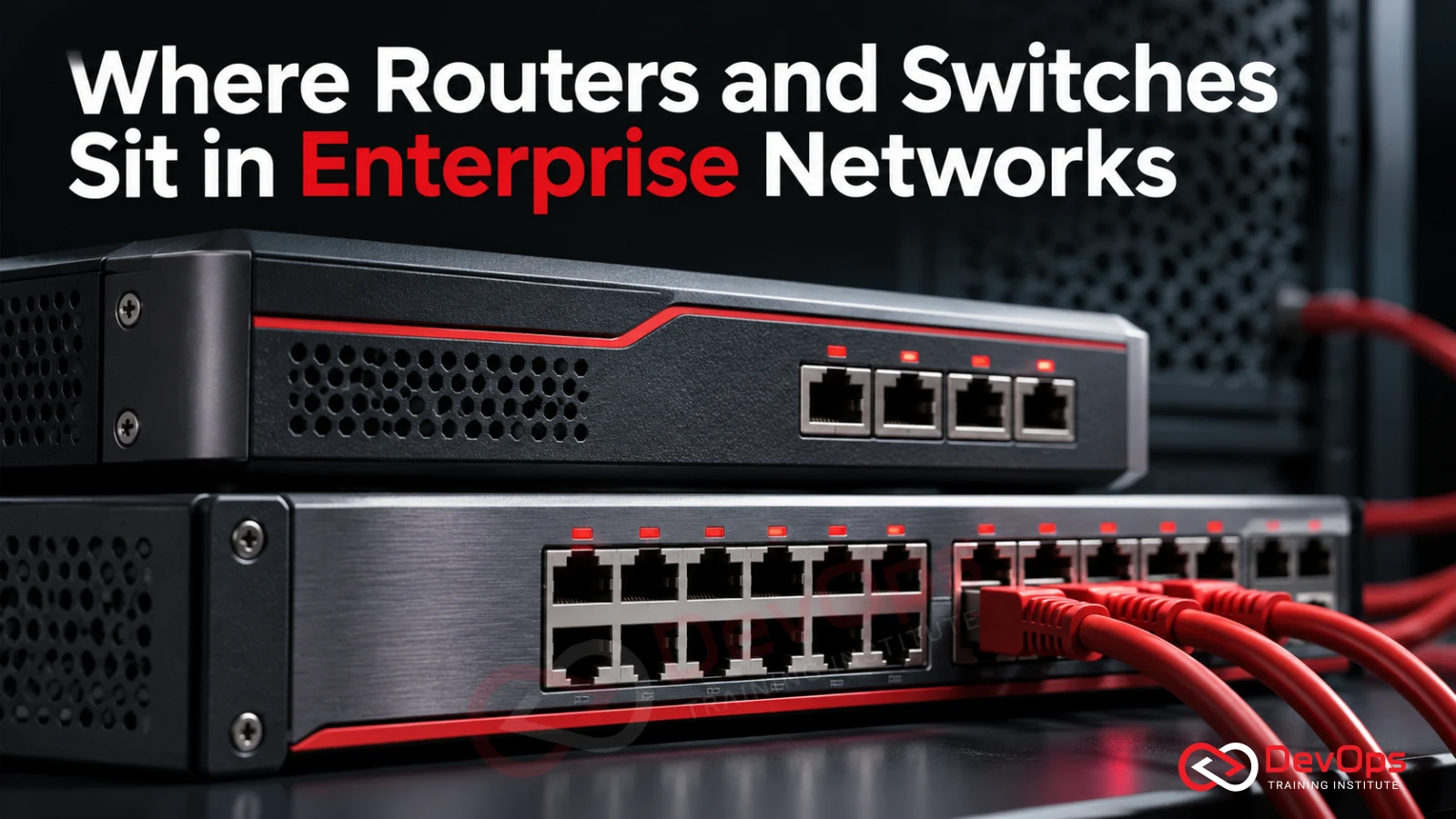
In an enterprise, switches connect devices inside a network: user PCs, phones, printers and access points on each floor, and servers and storage in the data center. Routers connect networks to each other: branches to headquarters over the WAN, sites to the internet and the cloud, and subnets or VLANs to one another. Layer 3 switches often handle routing inside a campus.
Key takeaways
- Cisco describes a switch as connecting devices within a network so they can share information, and a router as connecting multiple switches and their networks into a larger network and giving access to the internet.
- Enterprise campuses are commonly built in layers: access switches for end devices, distribution switches that aggregate them and apply policy, and a core that moves traffic fast between buildings and the data center.
- Routers sit at the edges: WAN links to branches, internet connections, connections to cloud providers and between security zones.
- Routing protocols do the work at scale. OSPF (RFC 2328) is a link-state protocol for routing inside one autonomous system; BGP-4 (RFC 4271) routes between autonomous systems, such as your network and your ISPs.
- First-hop redundancy keeps default gateways available. VRRP version 3 was defined in RFC 5798, which has been obsoleted by RFC 9568.
- For DevOps and cloud engineers, the same ideas reappear as VPCs, subnets, route tables, gateways and load balancers.
Routers and switches in one paragraph
A switch forwards frames between devices on the same network. It learns which device is on which port by watching MAC addresses and sends each frame only where it needs to go. A router forwards packets between different networks, choosing a path based on IP addresses and its routing table. In the OSI model, a classic switch works at layer 2 (data link) and a router at layer 3 (network), although many enterprise switches also route. If the layers are unfamiliar, start with our pillar on the OSI model and why it still matters, and for a side-by-side of the devices see routers, switches, hubs and bridges compared.
Cisco's small business guide puts it in plain terms. Switches connect computers, printers and servers within a network so they can share information. Routers connect those networks into a larger one, which may be in one location or several, and provide access to the internet. Cisco compares the router to a dispatcher that directs traffic, picks efficient paths for packets, helps protect against threats and sets priorities for devices.
Where each device sits in an enterprise network
| Location | Main device | Typical job |
|---|---|---|
| Office floor or wiring closet | Access switch | Connects PCs, IP phones, printers and wireless access points; often supplies Power over Ethernet |
| Building aggregation | Distribution switch (usually layer 3) | Aggregates access switches, routes between VLANs, applies access control |
| Campus backbone | Core switches | Moves traffic quickly between buildings, the data center and the WAN edge |
| Data center | Leaf and spine switches | Connect servers, storage and hypervisors with high bandwidth and predictable paths |
| WAN edge | Routers or SD-WAN appliances | Connect branches, headquarters and data centers over leased lines, MPLS or the internet |
| Internet edge | Edge routers with firewalls | Connect to ISPs, run BGP, apply NAT and security policy |
| Cloud edge | Routers or virtual gateways | Connect on-premises networks to cloud VPCs or VNets over VPN or dedicated links |
| Branch office | Branch router plus small switches | Local LAN plus a WAN link back to headquarters and to the internet |
Switches in the enterprise
Access layer
Access switches are the ones users never see but always depend on. Every desk port, phone and access point ends up on one. They carry VLANs that separate user traffic, voice, guest Wi-Fi and printers, and many provide Power over Ethernet so phones, cameras and access points do not need separate power supplies. Access switches also enforce the first layer of security: port security, 802.1X authentication of devices, and protection against rogue DHCP servers or loops.
Distribution layer
Distribution switches aggregate many access switches in a building. They are usually layer 3 switches, which means they route between VLANs in hardware. This is where the default gateway for user subnets often lives, where access control lists limit which VLANs can talk to which, and where traffic from many floors is combined onto faster uplinks. Redundant pairs are common so that losing one device does not cut off a building.
Core layer
The core connects distribution blocks, the data center and the WAN or internet edge. Its job is to move traffic quickly and reliably, so it avoids heavy policy processing. In smaller sites, the core and distribution layers are often collapsed into one pair of switches.
Data center
Modern data centers often use a leaf-spine design. Every leaf switch, which connects servers, links to every spine switch. Any server is then the same number of hops from any other, which gives predictable latency and makes it easy to add capacity by adding leaves or spines. Data center switches support high port speeds, large numbers of VLANs or overlay networks such as VXLAN, and features for storage and virtualisation traffic.
Routers in the enterprise
WAN edge and branches
Every branch needs a way to reach headquarters, the data center and the cloud. Branch routers terminate the WAN link, whether that is a leased line, an MPLS service from a carrier, or an encrypted tunnel over the internet. Many enterprises now use SD-WAN, where edge devices build tunnels over several links and choose paths based on application policies and link quality. The device is still doing routing; it just has more information to choose with.
Internet edge
Internet edge routers connect the enterprise to one or more ISPs. With multiple ISPs, the enterprise often runs BGP, the protocol RFC 4271 defines for routing between autonomous systems, to announce its public address ranges and fail over if one provider goes down. Firewalls sit next to or behind these routers to inspect traffic, and NAT translates private addresses to public ones.
Inside the enterprise
Large enterprises run an interior routing protocol so that routers and layer 3 switches learn paths automatically. OSPF is a common choice; RFC 2328 describes it as a link-state protocol designed to run inside a single autonomous system. When a link fails, OSPF routers recalculate and move traffic to another path without manual changes.
Cloud connectivity
Hybrid setups connect on-premises routers to cloud networks using site-to-site VPNs or dedicated connections offered by the cloud providers. Routes are often exchanged with BGP so that on-premises and cloud networks learn each other's address ranges automatically.
Redundancy: keeping the gateway up
Hosts on a subnet usually send all off-subnet traffic to one default gateway address. If that router fails, the whole subnet loses connectivity. First-hop redundancy protocols solve this by letting two or more routers share a virtual gateway address. VRRP is the standard option: RFC 5798 defined version 3 for IPv4 and IPv6, letting a group of routers elect one to act as the gateway and fail over to a backup automatically. RFC 5798 has since been obsoleted by RFC 9568, so check the current RFC when you read about VRRP. Vendors also offer their own protocols with similar goals.
Switches need redundancy too. Spanning Tree Protocol and its faster variants prevent loops when there are redundant layer 2 links, and link aggregation bundles several physical links into one logical link for bandwidth and resilience.
VLANs and subnets: where switching meets routing
A VLAN divides one physical switch network into separate layer 2 networks. Each VLAN normally maps to one IP subnet. Devices in the same VLAN talk through switches; devices in different VLANs need a router or layer 3 switch to reach each other. This is how enterprises separate finance from engineering, voice from data, or guests from internal users, and it is where access control between groups is applied. Our post on how VLANs and subnets relate covers this in more depth.
Example: a simple enterprise layout
A medium-sized company with a head office, a data center room and two branches might look like this:
- Each office floor has access switches with PoE for phones and access points, carrying user, voice, guest and printer VLANs.
- A pair of layer 3 switches in the head office acts as collapsed core and distribution, routing between VLANs and connecting the server room.
- The server room has its own switches for hypervisors and storage.
- Two internet edge routers connect to two ISPs, with firewalls behind them.
- Each branch has a router or SD-WAN device with an internet link and a backup link, building tunnels to the head office, plus a small access switch for local devices.
- A VPN or dedicated link connects the head office routers to the company's cloud network.
Configuration example: inter-VLAN routing
The snippet below is a generic illustration in a common CLI style, showing a layer 3 switch acting as the default gateway for two VLANs. Exact syntax differs by vendor and operating system, so use it as a picture of the concepts rather than a copy-paste configuration.
vlan 10
 name USERS
vlan 20
 name VOICE
!
interface Vlan10
 ip address 10.10.10.1 255.255.255.0
interface Vlan20
 ip address 10.10.20.1 255.255.255.0
!
ip routing
Hosts in VLAN 10 use 10.10.10.1 as their gateway and hosts in VLAN 20 use 10.10.20.1. The switch routes between the two, and access lists can limit which traffic is allowed to cross.
Why DevOps and cloud engineers should care
Cloud networking reuses these ideas almost one for one. A VPC or VNet is a private network, subnets are still subnets, route tables decide where packets go, internet and NAT gateways play the role of edge routers, and transit or hub networks behave like a core. When a container cannot reach a database, the cause is often a routing or security rule, and the troubleshooting is the same as on-premises: check addresses, routes, gateways and filters in order. Our posts on cloud networking concepts for DevOps engineers and why DevOps engineers need the OSI and TCP/IP models make the link explicit.
A few habits help: learn to read a routing table with ip route on Linux, trace a path with traceroute or mtr, check DNS with dig, and test ports with nc or curl. These skills are covered in our Linux administration course and applied to cloud and containers in our DevOps training, both available in the Kharadi, Pune classroom and live online.
Managing routers and switches like code
Enterprise networks used to be configured one device at a time through a console session. That approach does not scale to hundreds of switches, and it leaves no reliable record of who changed what. Many network teams now borrow DevOps habits for the same reasons application teams did.
The first step is usually configuration backup: a scheduled job pulls the running configuration from every device and commits it to a Git repository. Differences between commits show every change, intended or not, and the history makes it much easier to roll back after a bad change.
The next step is templating. Access switch configurations are often almost identical apart from hostnames, management addresses and VLAN lists. Generating them from a template and a small data file removes typing errors and keeps standards consistent across sites. Automation tools such as Ansible, which has modules for many network operating systems, can then push the generated configuration and check the result.
Finally, teams add review and testing. A proposed change goes through a pull request, a colleague reviews the diff, and automated checks validate syntax or compare the intended state with what is running. Changes are applied in a maintenance window to a small group of devices first. This is the same workflow DevOps engineers use for Terraform and Kubernetes manifests, which is one reason networking and DevOps skills overlap more each year.
Common mistakes in enterprise designs
- Flat networks. One large VLAN for everything makes broadcast traffic and security problems worse. Segment by function.
- Single points of failure. One core switch or one internet router can take down a whole site. Pair critical devices and links.
- Undocumented changes. Without configuration backups and change records, troubleshooting slows down. Keep configurations in version control where possible.
- Overlapping address ranges. Reusing the same private ranges in offices and the cloud makes later connectivity painful. Plan IP addressing centrally.
- No monitoring. Interface errors, CPU, link utilisation and routing changes should feed into monitoring and alerting.
FAQs
What is the main difference between a router and a switch in an enterprise?
A switch connects devices within a network, such as PCs and servers on a floor or in a rack. A router connects separate networks, such as a branch to headquarters or the company to the internet.
What is a layer 3 switch used for?
Routing between VLANs inside a campus or data center. It combines switching ports with hardware routing, so it often acts as the default gateway for user and server subnets.
Where are routers used in enterprise architecture?
At the edges: WAN connections to branches, internet connections to ISPs, links to cloud providers, and sometimes between security zones inside the network.
Which routing protocols do enterprises use?
Commonly OSPF for routing inside the organisation and BGP for routing with ISPs and cloud providers. RFC 2328 defines OSPF version 2 and RFC 4271 defines BGP-4.
What is VRRP?
A standard first-hop redundancy protocol that lets several routers share a virtual default gateway address, with automatic failover. RFC 5798 defined version 3; it has been obsoleted by RFC 9568.
Why should a DevOps engineer learn enterprise networking?
Cloud networks use the same building blocks: subnets, route tables, gateways and firewalls. Understanding them makes it much faster to troubleshoot connectivity problems in hybrid and cloud environments.
References
What's Your Reaction?
 Like
0
 Dislike
0
 Love
0
 Funny
0
 Angry
0
 Sad
0
 Wow
0