
How Docker Works in a DevOps Pipeline, Stage by Stage
How Docker works in a DevOps pipeline: Dockerfile, BuildKit builds, tagging, tests in containers, scanning, registry push and deploying the same image.
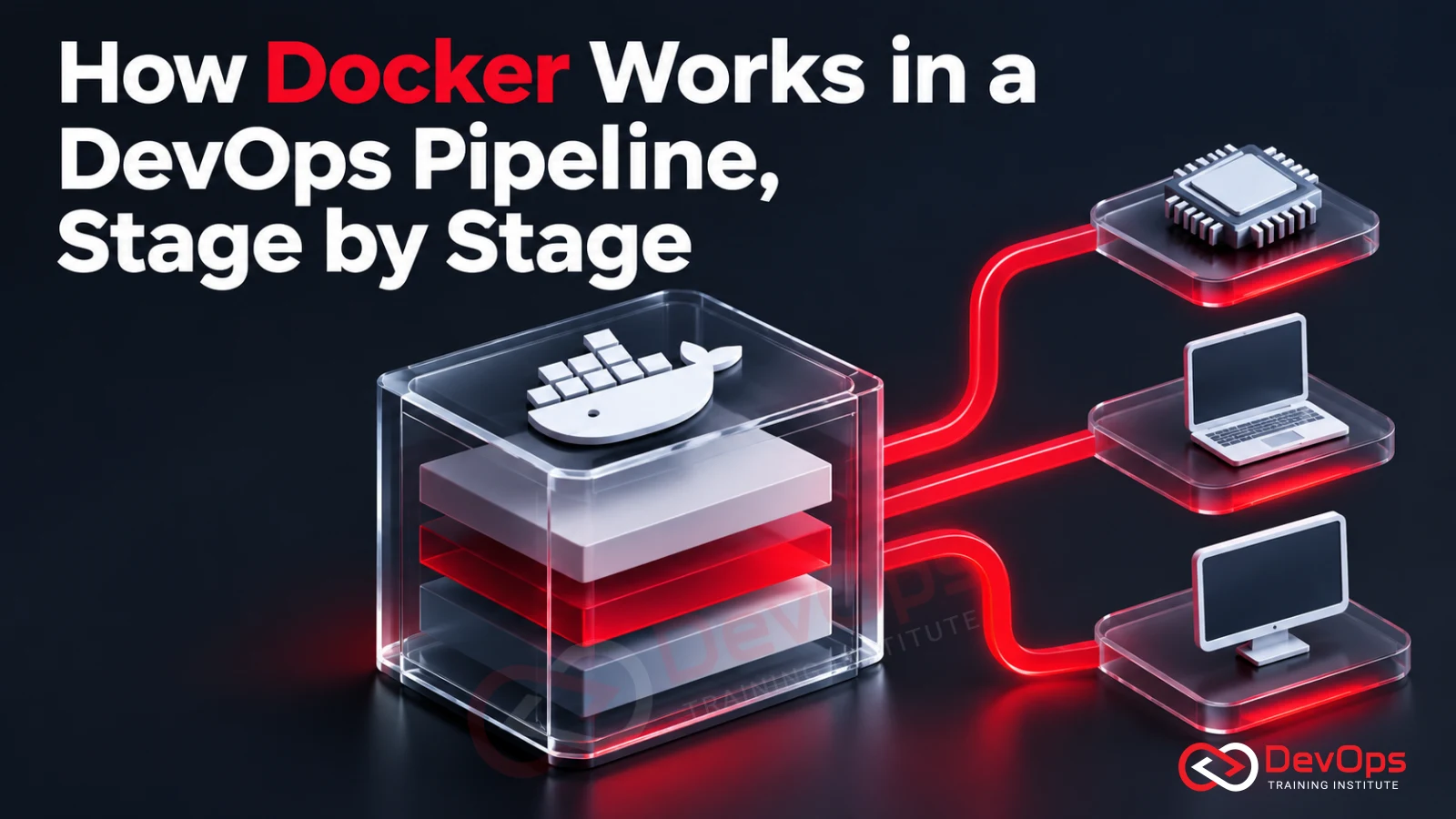
In a DevOps pipeline, Docker packages the application and its dependencies into an image once, and every later stage uses that same image. CI builds the image from a Dockerfile, runs tests inside containers, scans it, tags it with the commit, and pushes it to a registry. Staging and production then pull and run that exact image, so what you tested is what you ship.
This guide walks through each pipeline stage and shows what Docker does there, with working examples for GitHub Actions and Jenkins. It is written for engineers who know basic docker build and docker run and want to see how the pieces connect. If you need the basics first, start with our pillar post, what Docker is and why it is popular in DevOps.
Key takeaways
- Build the image once per commit and promote the same image through every environment. Rebuilding per environment breaks the guarantee that tested code equals shipped code.
- Multi-stage Dockerfiles keep compilers and test tools out of the final image, which makes it smaller and reduces what scanners flag.
- Tag images with the commit SHA or a version, never only
latest, and deploy by tag or digest. - Run unit and integration tests inside containers so CI and developer laptops use the same toolchain.
- Scan images for vulnerabilities and generate an SBOM before pushing to a shared registry.
- Docker builds images; an orchestrator such as Kubernetes or Amazon ECS usually runs them in production.
The pipeline at a glance
| Stage | What Docker does | Output |
|---|---|---|
| Commit | Dockerfile and compose files live in the repository with the code | Versioned build definition |
| Build | BuildKit builds the image, reusing cached layers | Image tagged with commit SHA |
| Test | Tests run in containers; Compose starts databases and queues | Test reports |
| Scan | Scanner inspects image layers and packages | Vulnerability report, SBOM |
| Publish | Image pushed to a registry | Immutable tag and digest |
| Deploy | Orchestrator pulls the image and starts containers | Running service |
| Operate | Same image used for rollback and debugging | Known previous versions |
Stage 1: the Dockerfile lives with the code
The pipeline starts with the Dockerfile in the application repository. Because it is versioned with the code, a change to the runtime, such as moving from one base image version to the next, goes through the same review as a code change. Anyone can check out an old commit and rebuild the image that ran at that time.
A multi-stage Dockerfile is the standard pattern for pipelines. The first stage has the compiler and build tools; the final stage copies only the built artefact. Docker's documentation shows the syntax with FROM ... AS build and COPY --from=build:
# syntax=docker/dockerfile:1
FROM golang:1.26 AS build
WORKDIR /src
COPY go.mod go.sum ./
RUN go mod download
COPY . .
RUN CGO_ENABLED=0 go build -o /bin/app ./cmd/app

FROM gcr.io/distroless/static-debian12
COPY --from=build /bin/app /app
USER nonroot
ENTRYPOINT ["/app"]
Copying go.mod and go.sum before the rest of the source is deliberate. Dependency downloads sit in their own layer, so they are cached until dependencies change, and most commits only rebuild the last few layers. Our post with 12 ways to speed up Docker builds in CI/CD covers more caching techniques.
Add a .dockerignore file too. It keeps .git, local build output and secrets such as .env files out of the build context, which makes builds faster and avoids leaking files into image layers.
Stage 2: build and tag
The CI server builds the image when code is pushed. Modern Docker uses BuildKit through docker buildx, which supports remote caches, multi-platform builds and build secrets. In CI, where each job may start on a fresh machine, a remote cache is what keeps builds fast. Docker documents a GitHub Actions cache backend that stores layers between workflow runs.
Tagging is where many pipelines go wrong. If every build pushes myapp:latest, nobody can tell which commit is running, and rollback means guessing. Tag each image with the full or short commit SHA, and add a semantic version tag on releases. Deploy by tag or, better, by digest, which is the content hash of the image and cannot be moved to point at something else. See our guide on image tagging and versioning best practices for naming schemes.
GitHub Actions example
This workflow follows the action versions shown in Docker's own documentation in November 2026. It builds for one platform, uses the GitHub Actions cache, and pushes to GitHub Container Registry with a SHA tag:
name: build
on:
  push:
    branches: [main]

jobs:
  image:
    runs-on: ubuntu-latest
    permissions:
      contents: read
      packages: write
    steps:
      - uses: actions/checkout@v7
      - uses: docker/setup-buildx-action@v4
      - uses: docker/login-action@v4
        with:
          registry: ghcr.io
          username: ${{ github.repository_owner }}
          password: ${{ secrets.GITHUB_TOKEN }}
      - uses: docker/build-push-action@v7
        with:
          context: .
          push: true
          tags: ghcr.io/${{ github.repository }}:${{ github.sha }}
          cache-from: type=gha
          cache-to: type=gha,mode=max
The permissions block gives the job's token the right to write packages and nothing more. Using the built-in GITHUB_TOKEN avoids storing a long-lived registry password.
Jenkins example
In Jenkins, the same steps are shell commands in a declarative pipeline. The agent needs access to a Docker daemon or a rootless builder:
pipeline {
  agent { label 'docker' }
  environment {
    IMAGE = "registry.example.com/shop/api:${env.GIT_COMMIT}"
  }
  stages {
    stage('Build') {
      steps { sh 'docker build -t $IMAGE .' }
    }
    stage('Test') {
      steps { sh 'docker run --rm $IMAGE ./run-tests.sh' }
    }
    stage('Push') {
      steps {
        withCredentials([usernamePassword(credentialsId: 'registry',
          usernameVariable: 'U', passwordVariable: 'P')]) {
          sh 'echo "$P" | docker login registry.example.com -u "$U" --password-stdin'
          sh 'docker push $IMAGE'
        }
      }
    }
  }
}
Note the --password-stdin flag, which keeps the password out of the process list and shell history. For more on this pairing, see how Jenkins and Docker work together in CI/CD.
Stage 3: test inside containers
Running tests in containers removes the "works on my machine" problem from CI. The test job uses the same language version and system libraries every time, regardless of what is installed on the build agent. Developers can run the same command locally.
For integration tests, Docker Compose starts the dependencies the application needs. A typical CI step brings up a database and a cache, waits for health checks, runs the tests, and tears everything down:
docker compose -f compose.test.yaml up -d --wait
docker compose -f compose.test.yaml run --rm api pytest -q
docker compose -f compose.test.yaml down -v
The --wait flag makes Compose wait until services with health checks report healthy, which avoids flaky tests that start before the database is ready. The -v on down removes volumes so each run starts clean.
Two choices matter here. Either test the final production image, which proves the shipped artefact works but may lack test tools, or build a separate test target from the same Dockerfile with docker build --target. Many teams do unit tests in a build-stage target and run a short smoke test against the final image.
Stage 4: scan and record what is inside
Every image carries an operating system layer and libraries you did not write. Scanning in the pipeline catches known vulnerabilities before the image reaches a shared registry. Open source scanners such as Trivy and Grype read the image's package lists and compare them with vulnerability databases. A typical policy fails the build on critical findings that have a fix available, and reports the rest.
trivy image --severity CRITICAL,HIGH --ignore-unfixed --exit-code 1 "$IMAGE"Alongside scanning, generate a software bill of materials (SBOM) so you can answer "which images contain this library?" when the next major vulnerability is announced. BuildKit can attach SBOM and provenance attestations at build time, and tools such as Syft generate SBOMs in SPDX or CycloneDX format. Our post on why container scanning matters in DevOps pipelines goes deeper into scanner choice and policy.
Stage 5: publish to a registry
The registry is the hand-off point between CI and deployment. Docker Hub, GitHub Container Registry, Amazon ECR, Azure Container Registry, Google Artifact Registry, GitLab's registry and self-hosted Harbor all speak the same OCI distribution API, so the push command looks the same everywhere.
Configure the registry to help the pipeline: enable tag immutability where supported so a tag cannot be overwritten, turn on scan-on-push if the registry offers it, and set lifecycle rules so old untagged images do not pile up. Sign images with a tool such as Cosign if your deployment platform can verify signatures before running them.
Stage 6: deploy the same image everywhere
Promotion means moving an already built image through environments, not rebuilding it. The deployment for staging references shop/api@sha256:...; after tests pass there, production references the same digest. Configuration that differs per environment, such as database URLs, comes from environment variables, mounted config files or a secrets manager, never from building a different image.
Docker on its own can run containers on a single host, and Docker Compose works for small deployments. Most production systems hand the image to an orchestrator. Kubernetes, Amazon ECS and similar platforms pull the image, schedule containers across machines, restart failed ones, and roll out new versions gradually. Our post on the role of Kubernetes in a DevOps pipeline picks up from this point. If you do not need an orchestrator yet, read whether you can use Docker without Kubernetes.
Stage 7: operate, roll back and debug
Because every release is an immutable image, rollback is a deployment of the previous tag. There is no need to rebuild old code under pressure. During an incident, engineers can pull the exact production image and run it locally to reproduce a problem with the same libraries and settings, which is much harder with servers configured by hand.
Keep enough old images in the registry to make this possible. A lifecycle rule that deletes everything older than a week can remove the very version you need to roll back to after a slow-burning bug. A common rule keeps the last several release tags indefinitely and expires untagged images and short-lived branch builds after a few days. Record which digest each environment runs, in the deployment tool or a simple changelog, so the rollback target is never a guess.
Multi-platform images
Teams increasingly run containers on both x86 and Arm machines, for example Arm-based cloud instances in production and Apple silicon laptops for development. An image built for one architecture will not run natively on the other. Buildx can build several platforms in one command and push a single multi-platform image index, so each machine pulls the variant that matches it. Docker's GitHub Actions documentation shows this with the platforms input set to linux/amd64,linux/arm64 and the QEMU setup action for emulation.
Emulated builds are slower, sometimes much slower for compiled languages. If build time becomes a problem, use native Arm runners for the Arm half of the build, or cross-compile in the build stage where the language supports it, as Go does with its GOARCH setting.
Keeping local development and CI in step
The biggest benefit of Docker in a pipeline often shows up before code reaches CI. When developers run the same Compose file locally that CI uses for integration tests, failures in CI become rarer and easier to reproduce. A practical setup is one compose.yaml for local development with source mounted as a volume for fast reloads, and a compose.test.yaml that uses the built image without mounts, exactly as CI runs it.
Keep the commands identical too. A Makefile or task runner with targets such as make test and make image that wrap the Docker commands means the CI configuration calls the same targets a developer runs. When the pipeline changes, the change is in one place, and new team members can run the full pipeline locally on their first day.
Finally, watch the pipeline itself. Track build duration, cache hit rate and image size per commit. A sudden jump in image size usually means a build tool or a large file slipped into the final stage, and catching it in review is easier than finding it after it slows every deployment.
Security practices for Docker in CI
- Run containers as a non-root user. Set
USERin the Dockerfile. - Pin base images by version, and refresh them on a schedule so security fixes arrive. Pinning by digest gives full reproducibility.
- Never bake secrets into images. Use BuildKit secret mounts (
RUN --mount=type=secret) for build-time credentials and a secrets manager at runtime. - Be careful with mounting the host Docker socket into CI containers. Access to the socket gives control of the host. Rootless builders or a dedicated build service reduce that risk.
- Give registry credentials only the scopes the job needs, and prefer short-lived tokens such as OIDC federation to cloud registries.
Common mistakes
- Rebuilding the image in each environment, so production runs something nobody tested.
- Deploying
latest, which makes it impossible to know or reproduce what is running. - Putting
COPY . .before dependency installation, which invalidates the cache on every commit. - Shipping build tools and test frameworks in the production image.
- Letting CI agents fill their disks with old images. Add a cleanup step or use ephemeral agents.
To practise these stages hands-on, our Docker training builds this pipeline end to end, in the Kharadi, Pune classroom and live online.
Frequently asked questions
What is the role of Docker in a CI/CD pipeline?
Docker packages the application into an image during CI, provides consistent environments for tests, and produces the artefact that is pushed to a registry and deployed. The same image moves from testing to production.
Should I build a new image for each environment?
No. Build once per commit and promote the same image by tag or digest. Pass environment-specific settings through environment variables, config files or a secrets manager.
How should I tag Docker images in a pipeline?
Tag every build with the commit SHA and add a version tag for releases. Avoid deploying only latest. Deploying by digest guarantees the exact image content.
How do I make Docker builds faster in CI?
Order Dockerfile instructions so dependencies are installed before source code is copied, use a .dockerignore file, use multi-stage builds, and use a remote BuildKit cache such as the GitHub Actions cache backend.
Where should image scanning happen?
After the build and before pushing to a shared registry, with a policy that fails on serious findings. Many registries also scan on push, which gives a second check and ongoing alerts for new vulnerabilities.
Do I need Kubernetes to use Docker in a pipeline?
No. Docker builds and tests images on its own, and small services can run with Docker Compose or a managed container service. Kubernetes becomes useful when you run many services across many machines.
Is it safe to use Docker-in-Docker in CI?
It works but needs care. Privileged containers and mounted Docker sockets give broad host access. Prefer ephemeral agents, rootless builders or managed build services when possible.
References
What's Your Reaction?
 Like
0
 Dislike
0
 Love
0
 Funny
0
 Angry
0
 Sad
0
 Wow
0